
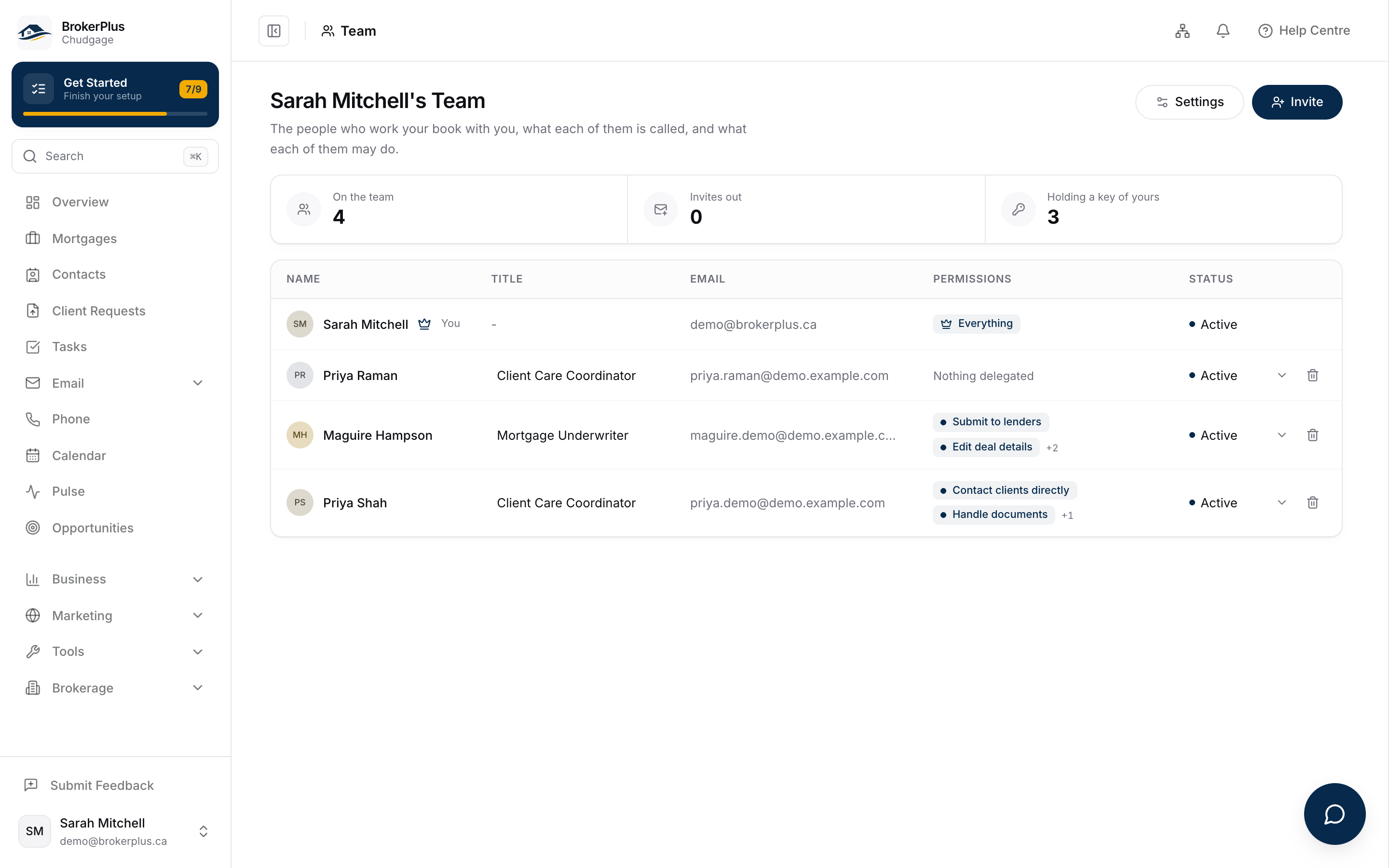
Setting Up Your Team
2:36 minRun Your Team
Bring people onto your book, decide what each of them can reach, and set the rules you all work inside.
What You Will Learn
Bring Your People On
Invite the people you work with, give each of them a title and a brief, and keep track of the invitations still sitting open.
Decide What Each Person Reaches
Hand out permissions one by one, so somebody can work your book without being able to touch the parts you did not open.
Set the Rules Once
Stand up the compliance program everybody works inside, and choose what a client meets when anyone on the team asks them for something.
Your Checklist for This Stage
Watch the recording, then work through the rest in BrokerPlus and tick each one off. Every step links to a guide if you want the detail.
Watch the Stage Recording
On the plate above, covering the whole stage. This one ticks itself when the recording ends.
Invite Your Team
Send each broker and staff member an invitation, and choose exactly what that person can do.
Understand Roles and Permissions
Learn the two layers that decide what someone reaches: their access level, and the permissions you hand them yourself.
Stand Up Your Compliance Program
Walk the five setup steps, and see what BrokerPlus runs for your brokerage and what stays with you.
Assign Your Compliance Reviewers
Choose who signs off on enhanced due diligence cases and sanctions decisions, and who covers them when they are away.
Set the Defaults Clients See
Choose the introduction, the tools and the confirmation every client meets while they answer what you asked for.
Start Here
Watch the Stage Recording0 of 6 steps done in this stage.
Go Deeper
This stage touches the sections below. Each one holds the full reference, for when you need more than the checklist.