
Managing and Submitting Deals
5:57 minRun Your First Deal
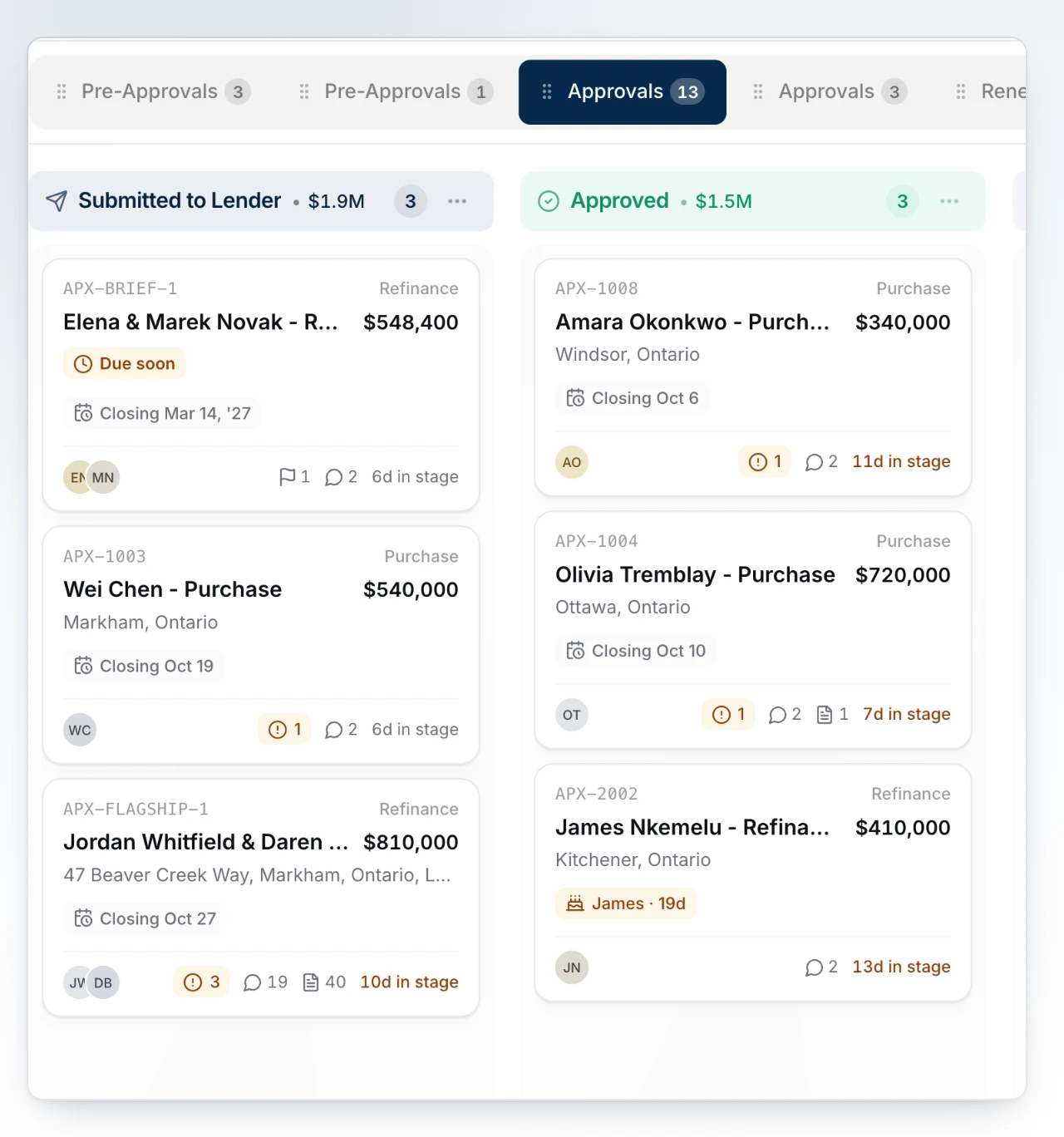
Build a deal from an empty record to a submission sitting with a lender.
What You Will Learn
Shape Your Board
Decide the stages a deal moves through, and what each one has to hold before the file can advance.
Build and Send a File
Take a deal from an empty record to a package a lender can act on, then track what comes back.
Clear Compliance Before You Submit
Work through identity, screening and risk on the file early, so nothing holds up the submission at the end.
Your Checklist for This Stage
Watch the recording, then work through the rest in BrokerPlus and tick each one off. Every step links to a guide if you want the detail.
Watch the Stage Recording
On the plate above, covering the whole stage. This one ticks itself when the recording ends.
Understand Boards, Stages and Status
Learn the difference between the board a deal sits on, the stage it has reached and its lifecycle status, because each one is set somewhere different.
Set Requirements on a Stage
Decide what a deal has to carry before it can enter a stage, so a file cannot move ahead of its own paperwork.
Create Your First Deal
Open a new record, attach the client, and choose the type, board and stage it starts in.
Tour the Deal Record
Learn what each section of a file holds, and what the six figures pinned above them are telling you.
Send a Client a Request for Documents
Send the application first, then ask for the documents the file needs, and let both go out as one email.
Work What the Client Sends Back
Read what came back, act on anything flagged, and ask for what is missing without starting the ask again.
Manage Documents on the Deal
Upload, verify and preview the documents on a file, and ask for a better copy when one cannot be read.
Fill In the Application
Complete the application section by section, see where each answer came from, and validate the file before it goes out.
Clear Compliance on the File
Open the compliance record on the deal to verify identity, run the screening and rate the risk, because these are what hold a submission up at the end.
Clear the Readiness Checks
Work through the blockers on the deal, the package and the structure until the submission is allowed to leave.
Choose Your Lender and Send
Pick the lender the file fits, validate the application, then send it to them with its documents.
Track the Response and Its Conditions
Follow the submission to a decision, record an answer that arrived by email, and turn the conditions an approval carries into tracked items.
Start Here
Watch the Stage Recording0 of 13 steps done in this stage.
Go Deeper
This stage touches the sections below. Each one holds the full reference, for when you need more than the checklist.