
The Tasks System
6:49 minWork Your Day
Learn the pages you will open every morning, and the ones that come to you.
What You Will Learn
Start From One List
Open the Tasks Center and see everything waiting on you across every deal, in the order it comes due.
Take Calls and Texts in One Place
Claim a number, send and answer messages, and keep the whole conversation on the client's own record.
Your Checklist for This Stage
Watch the recording, then work through the rest in BrokerPlus and tick each one off. Every step links to a guide if you want the detail.
Watch the Stage Recording
On the plate above, covering the whole stage. This one ticks itself when the recording ends.
Read Your Overview Page
Start on the page that collects what needs you, and learn what to act on first.
Triage the Tasks Page
Read the queue, group it the way your team works, and clear the overdue before anything else.
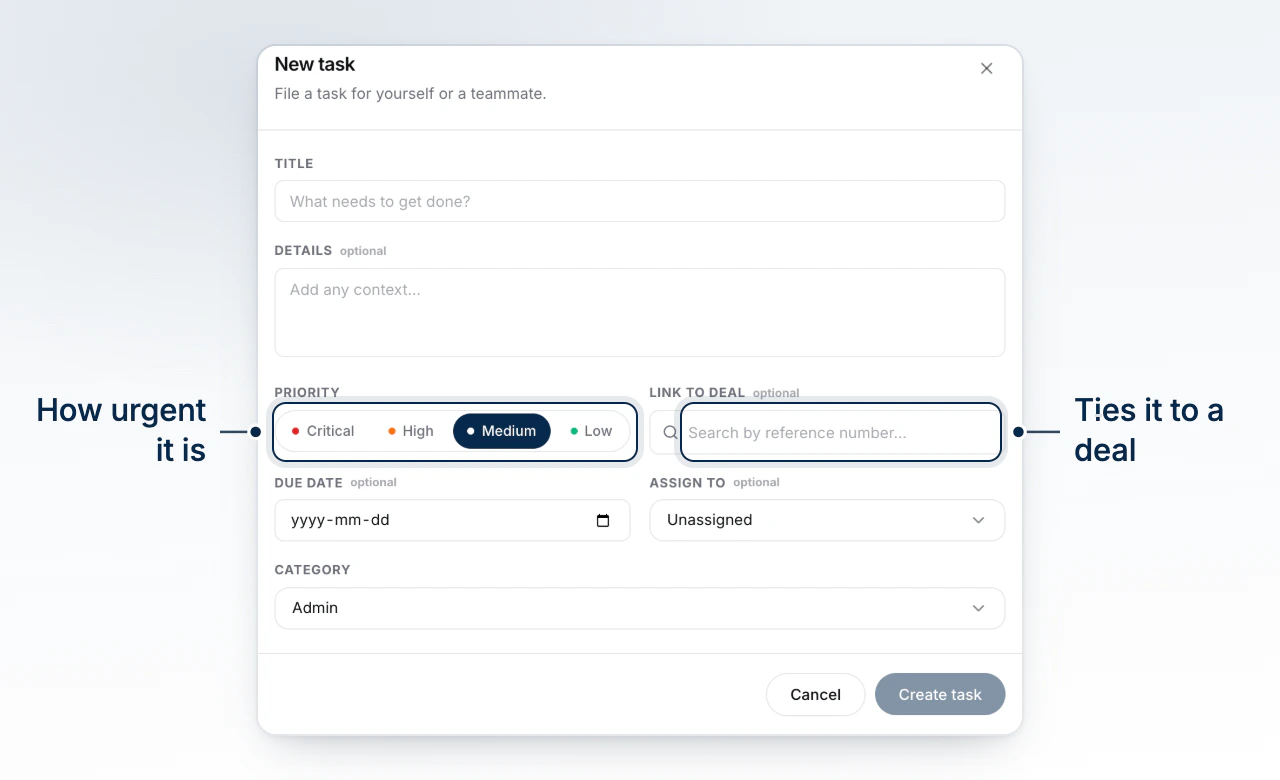
Create and Assign a Task
File a piece of work against the deal or contact it belongs to, and give it to the person who owes it.
Use Your Inbox
Answer client mail with the file, the contact and the history sitting beside the thread.
Make Calls and Send Texts
Reach a client from the Phone page and keep the whole conversation on their record.
Work Your Calendar
Read your week, create a meeting straight off the grid, and link it to the file it belongs to.
Meet Your Assistant
Learn what your assistant can see in your workspace, and what it will never do without you.
Start Here
Watch the Stage Recording0 of 8 steps done in this stage.
Go Deeper
This stage touches the sections below. Each one holds the full reference, for when you need more than the checklist.