
Use this guide to move from first login to a workspace that is ready for real client work. The onboarding wizard introduces the main setup areas. Get Started keeps the remaining items in a fixed order filtered to your role.
Who should lead setup
Owners, admins, and solo brokers complete workspace-wide settings. Brokers and team members complete the personal items that apply to them, such as connecting an inbox, adding licence details, or maintaining personal branding.
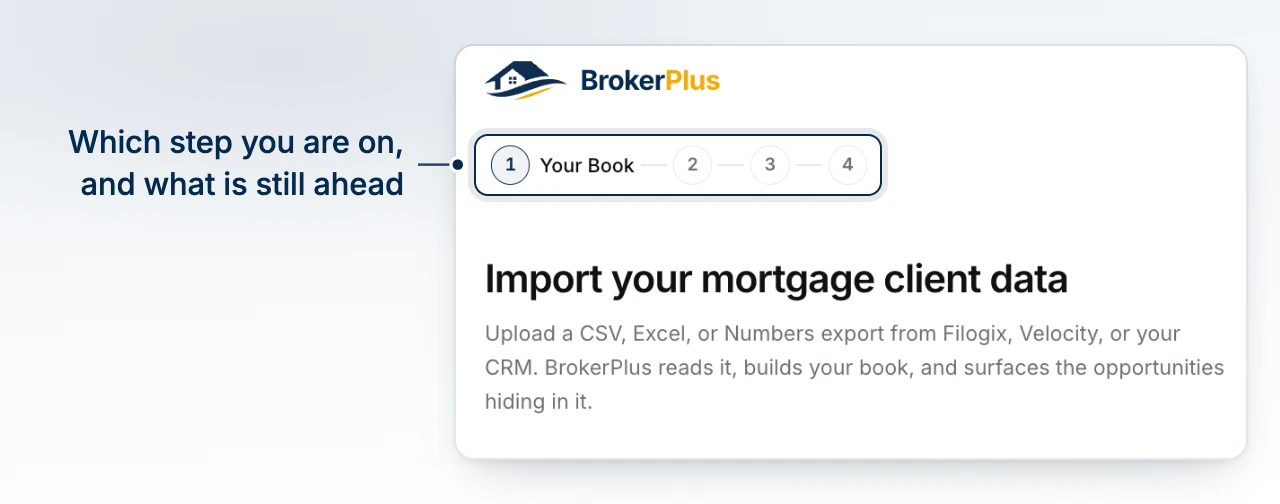
Complete the First-Login Wizard
- Choose how client and deal data will enter BrokerPlus under Your Book.
- Pick the pipelines you work under Boards.
- Say where your imported deals land under Your Deals.
- Authorize the inbox BrokerPlus can use under Email.
- Invite people and choose access under Team.
- Complete Payment when your plan requires it.
You can skip a wizard step. Skipping does not complete it. Get Started shows only the items that apply to your persona and team role, then highlights the first required incomplete item. If no required item remains, it highlights the first optional incomplete item.
Follow the Recommended Setup Order
- Connect email and calendar so sending, mailbox history, busy time, and booking can work.
- Import your book when that item applies, or add contacts and deals manually.
- Record commission settings and add the licence class and provinces for each broker who carries a book.
- Finish organization and personal branding.
- Invite the team and choose the correct access and email permissions.
- For a brokerage, have an admin configure and activate the compliance program.
- Review deal boards, organize the CRM, and create the first deal.
- Complete the deal's identity, AML, consent, disclosure, suitability, and KYC work before submission.
Finish the First Deal
Build the lender package only after the board, borrower, documents, and compliance records are ready. Clear the readiness messages, submit the application, send the current package, and record or retrieve the lender response.
Set up BrokerPlus Phone afterward if you want calls, texts, voicemail, and browser calling inside the workspace. It is not required to complete the first deal.
What to Do Next
Continue with Connect Your Email.